
Your Complete AI Image Toolkit — All Tools in One Place
10+ specialized AI tools for image generation and editing. Create images from text, remove backgrounds, upscale resolution, erase watermarks, and more. Average processing time: 15 seconds. Supports JPG, PNG, WebP up to 24MB.

How Our AI Image Tools Work
Each tool uses a specialized AI model optimized for its specific task — from generating images to removing backgrounds to enhancing resolution. Most operations complete in 10-30 seconds with professional-quality results.
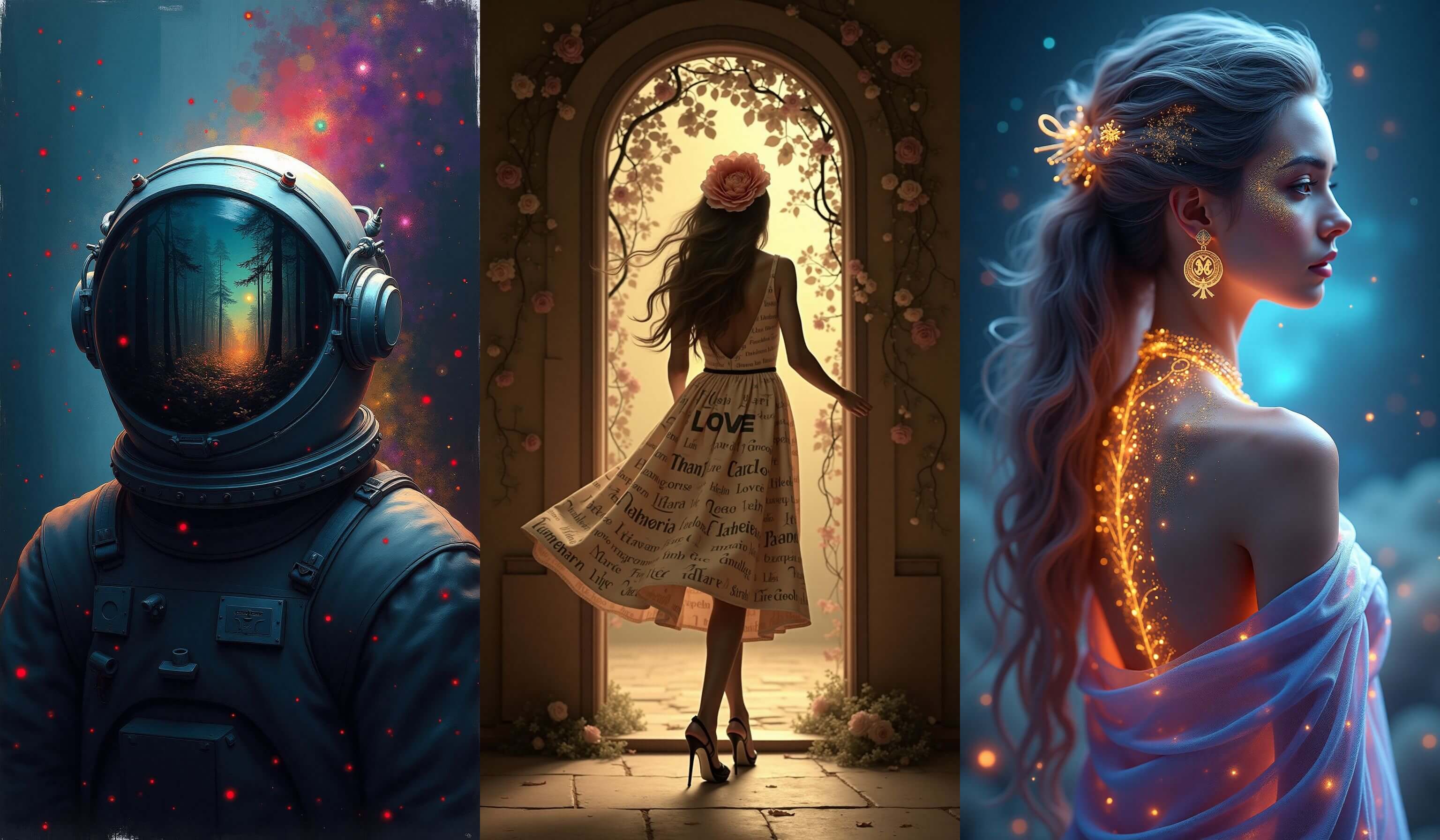
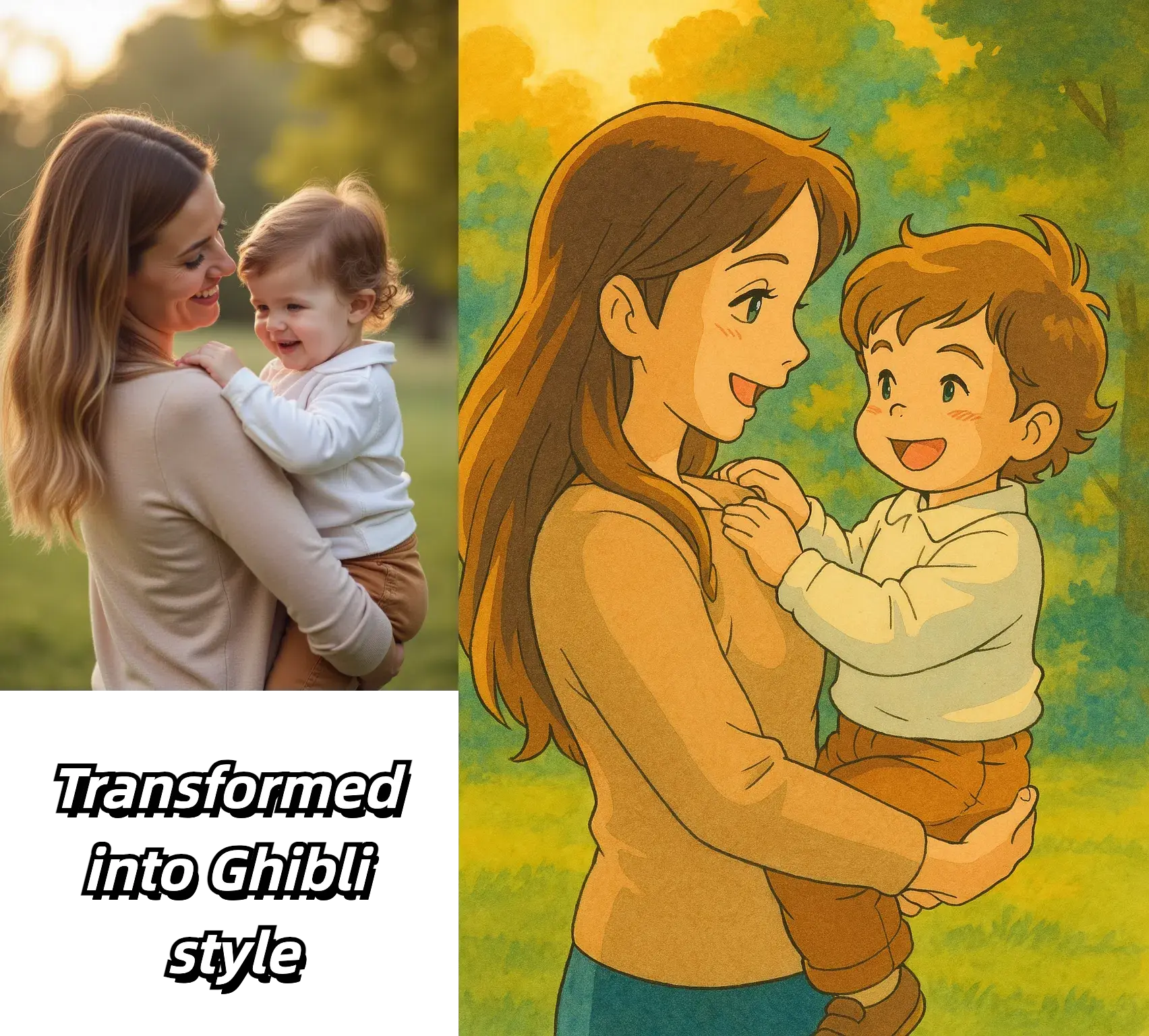
- Text-to-Image & Image-to-Image GenerationDescribe what you want and our AI creates it. Generate images up to 1024x1024px with adjustable aspect ratios. Use reference images for style transfers and pose guidance. Best for concept art, product mockups, and creative exploration.
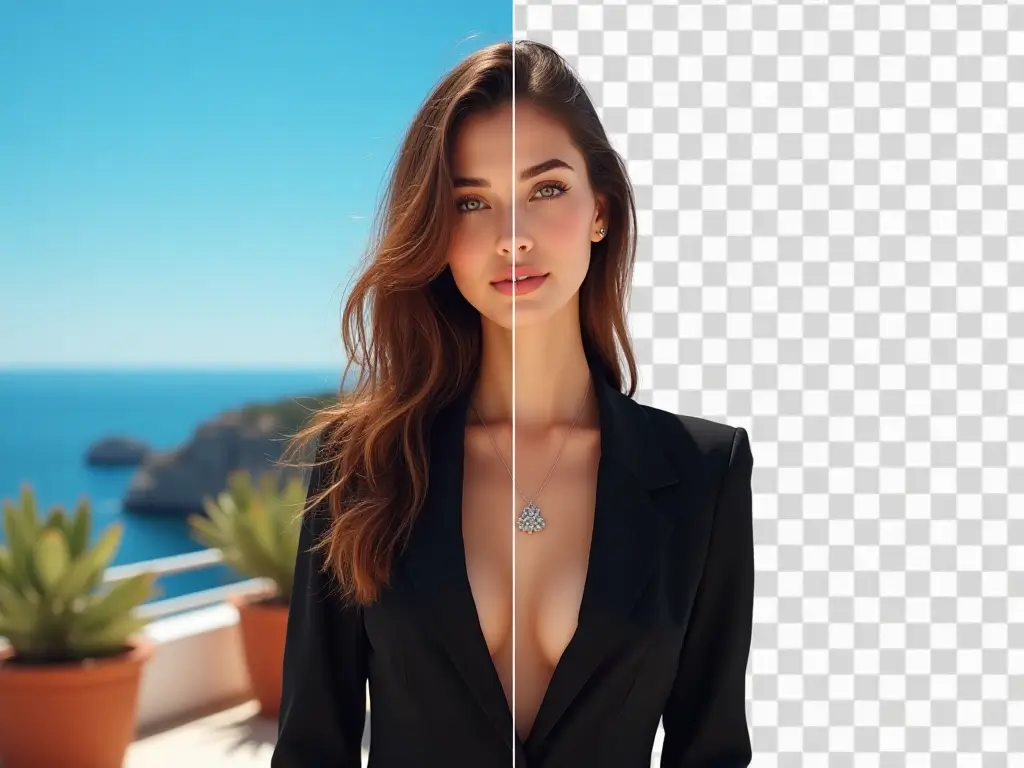
- Background Removal & ReplacementAutomatically detect and isolate subjects with 95%+ accuracy. Get transparent PNG output in 5-8 seconds. The background changer replaces scenes while preserving natural lighting and shadows — processing takes 15-20 seconds.
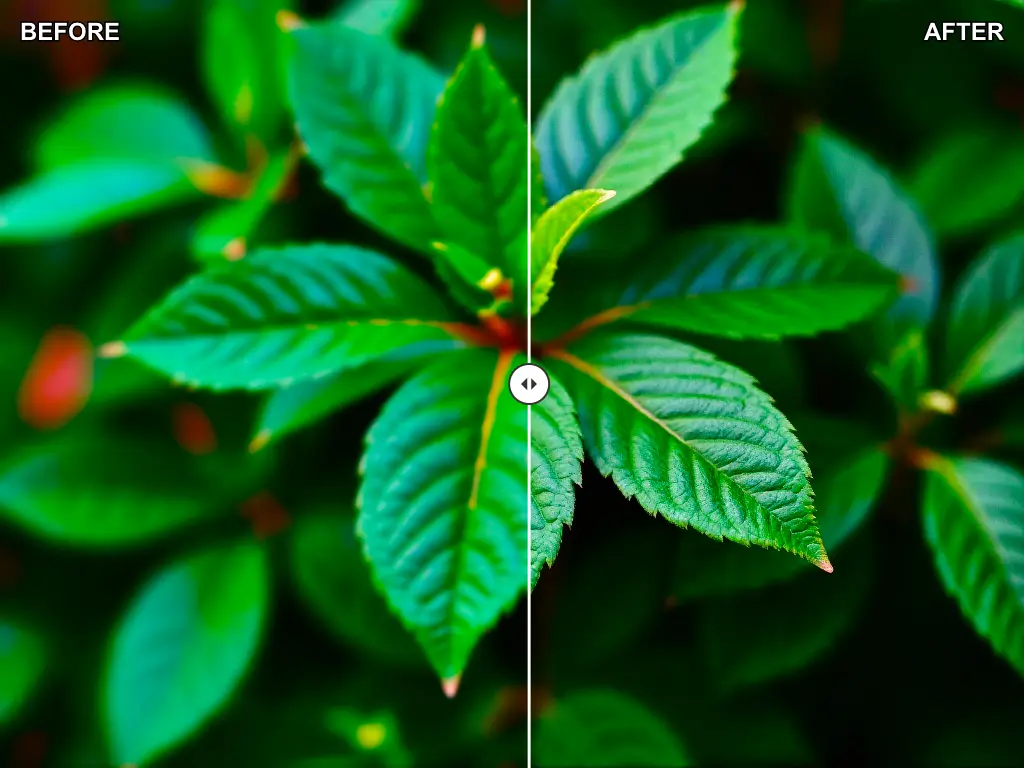
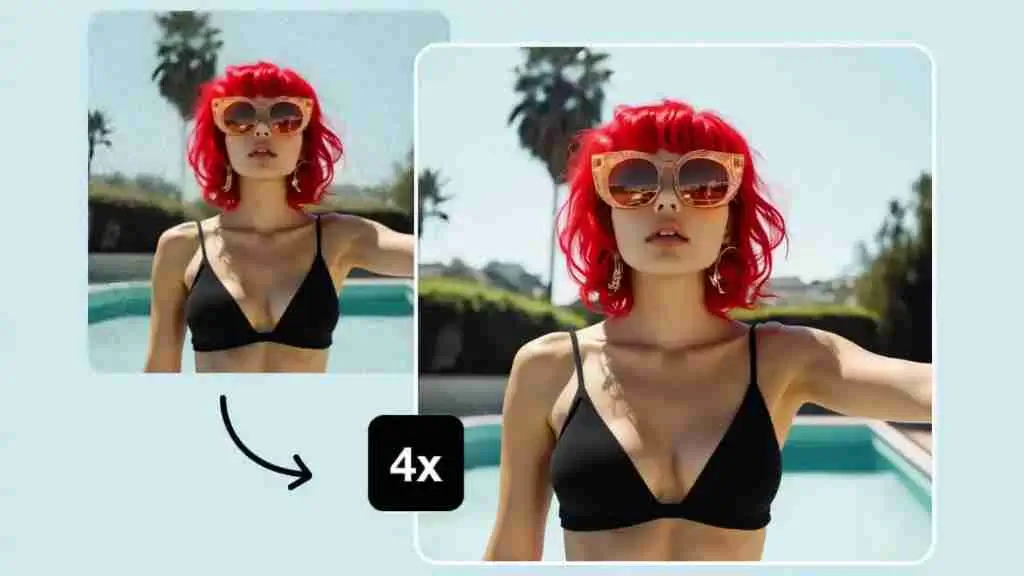
- Image Enhancement & UpscalingIncrease resolution up to 4x with AI-powered upscaling (max 4096x4096px output). Includes automatic color correction and noise reduction. Best results on photos at least 500px wide. Ideal for preparing images for print or large displays.
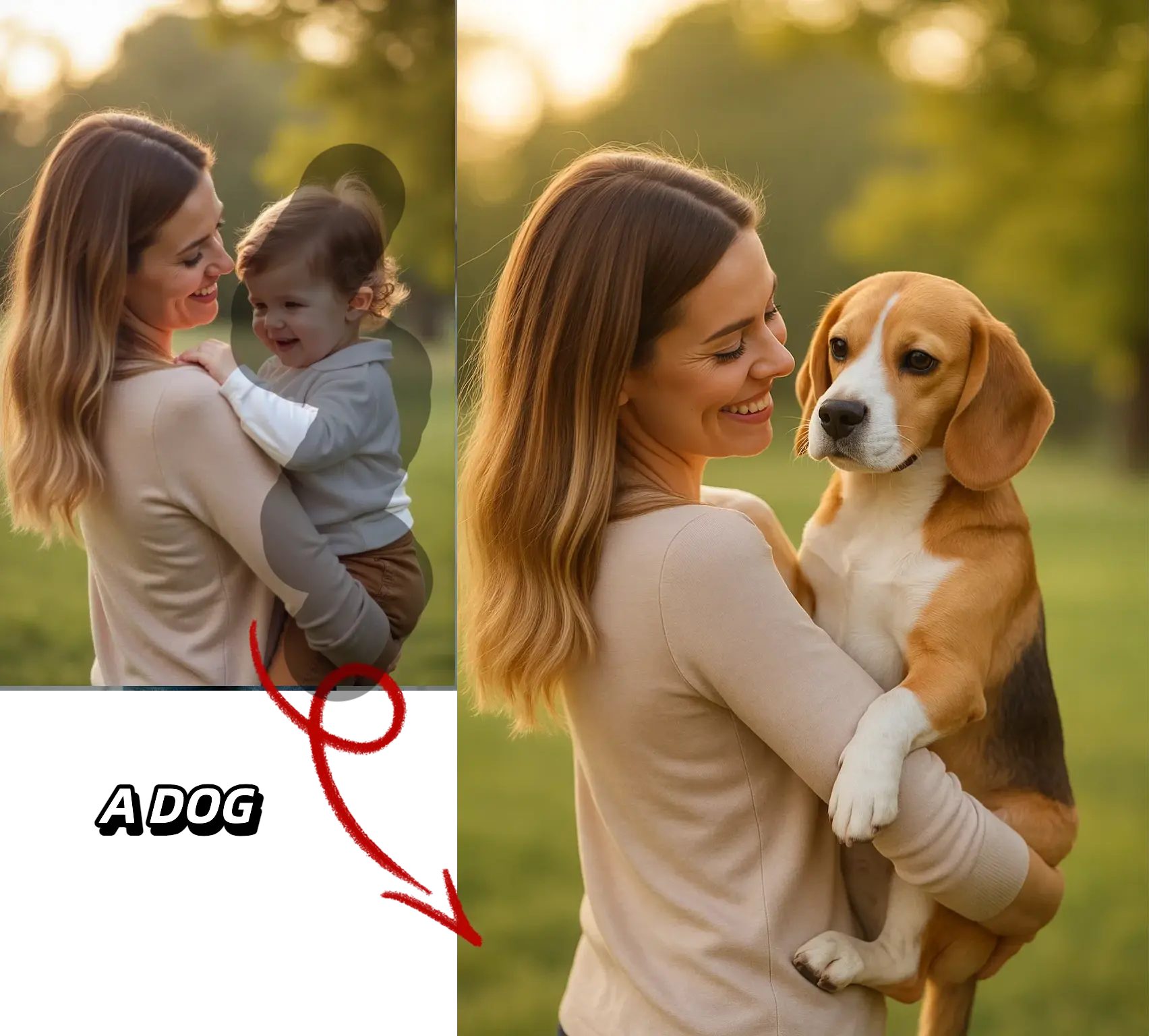
- Watermark Removal & Object ErasingIntelligently remove watermarks and unwanted objects from images. Works best on solid watermarks with clear boundaries (85% success rate). Processing takes 8-12 seconds. Semi-transparent or gradient watermarks may require manual touch-up.
Built for Speed, Quality, and Scale
Our platform runs on enterprise-grade GPU infrastructure with 99.5% uptime. Average processing time is 15 seconds, with batch processing available for premium users.
- Specialized Models for Every TaskInstead of one general-purpose AI, we use 10+ models each optimized for a specific task. Chain tools together in workflows — for example, remove a background, replace it with a new scene, then enhance the final image, all in one session.
- Flexible Speed and Quality ModesChoose your trade-off: Fast mode (10-15 sec) for quick previews, Standard mode (15-25 sec) for final outputs, or High Quality mode (30-45 sec) for print and commercial use. Background removal benchmarks at 7 seconds vs. the industry average of 12.
- Versatile Input and Output OptionsUpload JPG, PNG, or WebP files up to 24MB and 4096x4096px. Configure output quality (70-100%), choose your format, and optionally preserve metadata. Premium users can batch-process up to 50 images at once with API access.
- Reliable Cloud InfrastructurePowered by high-end NVIDIA GPUs with auto-scaling to handle hundreds of concurrent requests. Average response time: 15 seconds. CDN delivery ensures fast downloads worldwide. 99.5% uptime SLA with automatic failover.
Advanced Features for Power Users
Fine-tune every aspect of your AI image processing with advanced controls, batch operations, and enterprise-grade security.
Smart Subject Detection
Automatically identifies 20+ object categories including people, animals, vehicles, and products. Handles multiple subjects per image with edge refinement for tricky details like hair and fur.
Creative Control & Presets
Fine-tune generation with adjustable creativity, detail levels, and denoising strength. Choose from 15+ style presets or craft custom prompts with negative prompt support for precise control over results.
Batch Processing & API
REST API for bulk operations: process up to 50 images per batch with async webhook callbacks. Rate limits scale with your plan. Responses include processing metrics and direct image URLs for easy integration.
Flexible Resolution & Quality
Generate images from 512x512 to 1024x1024px. Upscale up to 4x (max 8192x8192px). Choose JPG quality (70-100) or lossless PNG. Optionally preserve EXIF data. All color profiles auto-convert to sRGB.
Enterprise-Grade Performance
Auto-scaling GPU infrastructure handles peak demand seamlessly. Average latency: 15 seconds. Queue times stay under 2 minutes. Global CDN delivery for fast image downloads. 99.5% uptime guarantee.
Privacy-First Data Handling
End-to-end encryption for all uploads. Auto-deletion within 24 hours of processing. Your images are never used for AI training or shared with third parties. GDPR compliant with on-demand deletion available.
Technical FAQ
Detailed answers about capabilities, limitations, and technical specifications
Ready to Try Our AI Image Tools?
Get free credits to start — no credit card required. Each credit covers one operation: generate, remove backgrounds, upscale, enhance, or erase watermarks. Upgrade anytime for higher limits and batch processing.